Clean Your TV
for Android TV & Google TV
Meet CleanYourTV. A simpler home screen, fewer distractions,
and a little more space for the things you actually watch.
For Android TV & Google TV · Open source · No root required
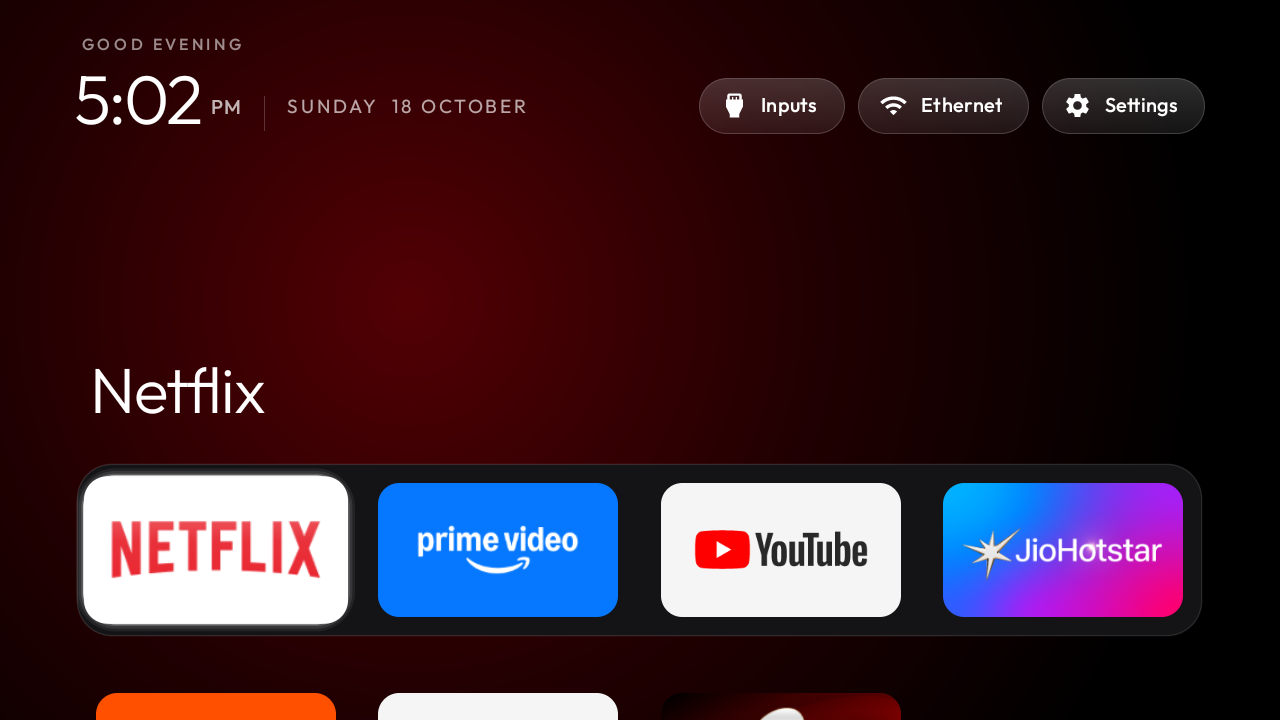
Same TV.
A different feeling.
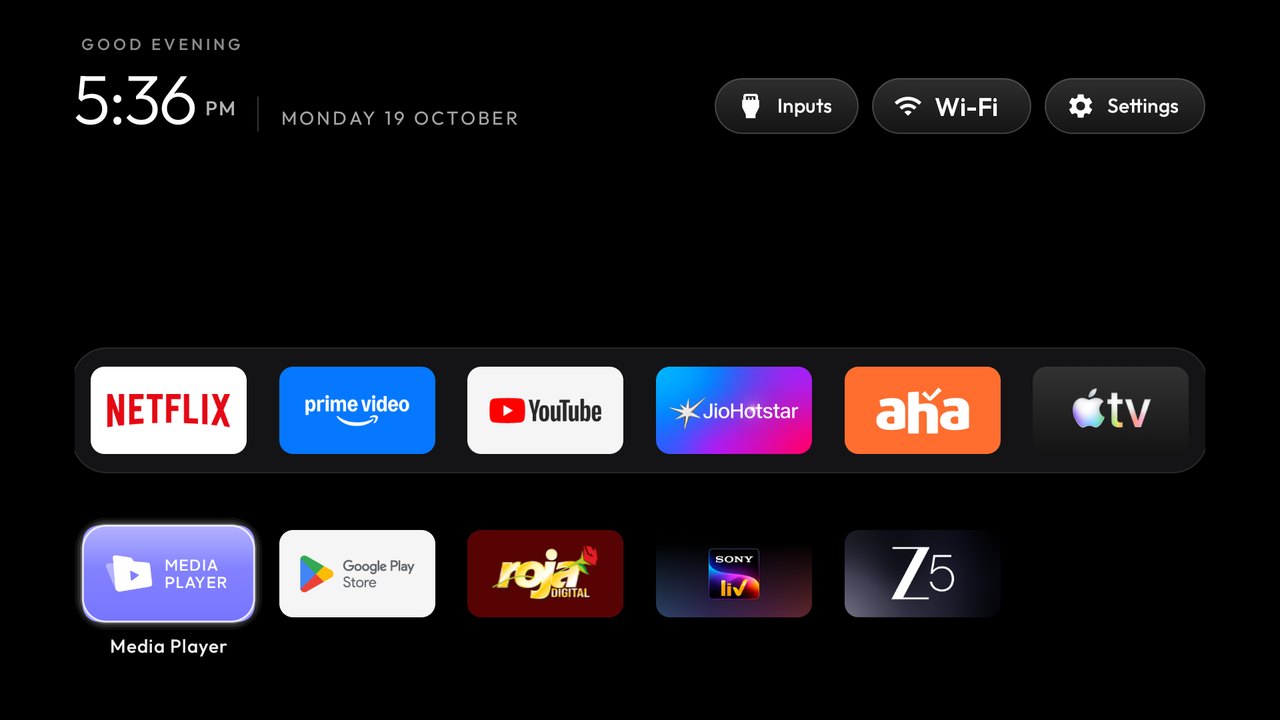
CleanYourTV uses Wi-Fi and Android’s debugging tools to disable selected clutter and install a minimal launcher. Your favourite apps still have a place.
See how it works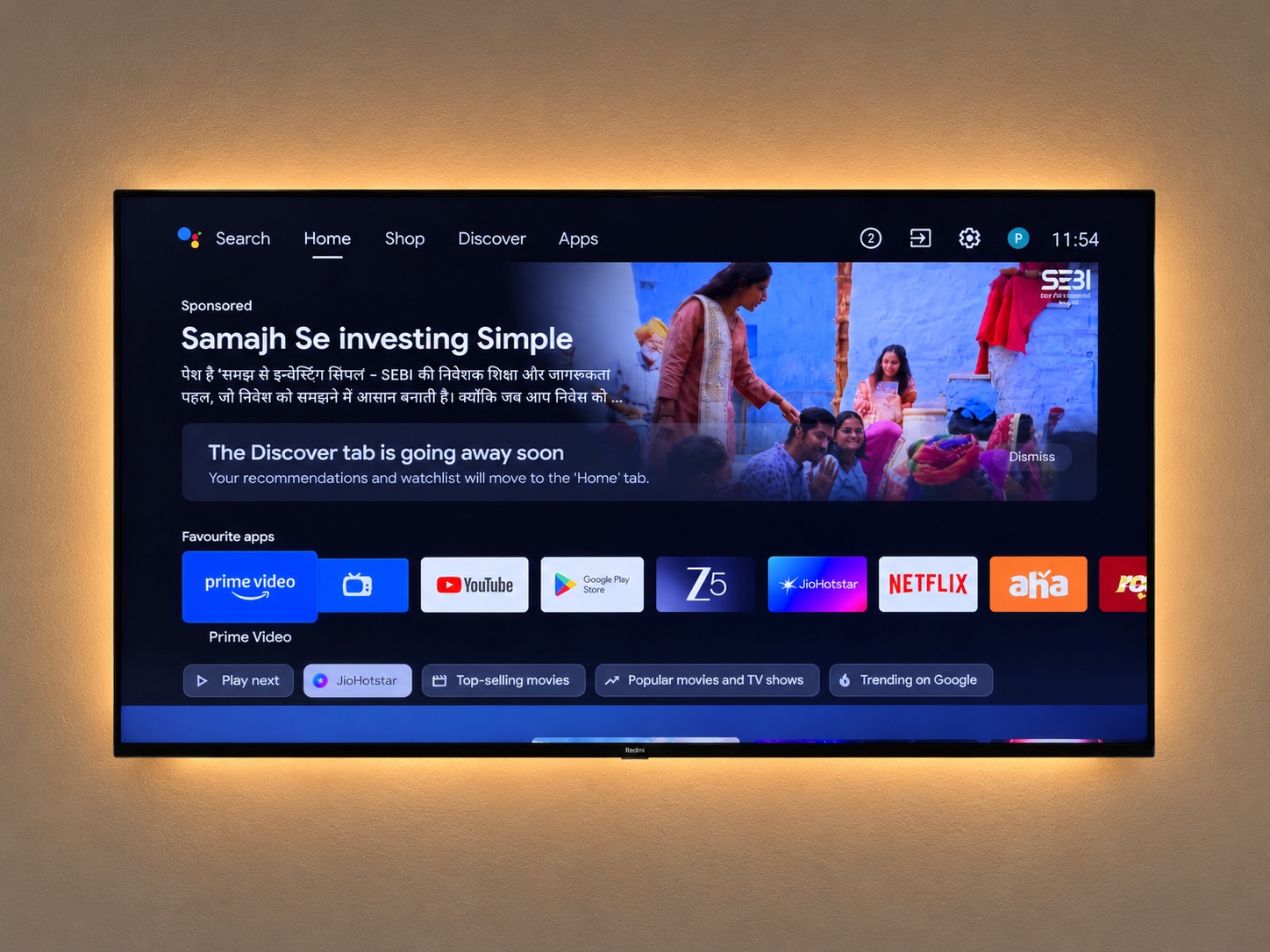
Drag to compare · Screenshots from the upstream project. Appearance depends on your device and configuration.
Your apps, front and centre.
A quiet dock for the apps you choose. No sponsored home-screen rows competing for your attention.
Keep a way back.
Selected packages are disabled rather than uninstalled. Keep your device backup for the upstream restore workflow.
Make it feel like yours.
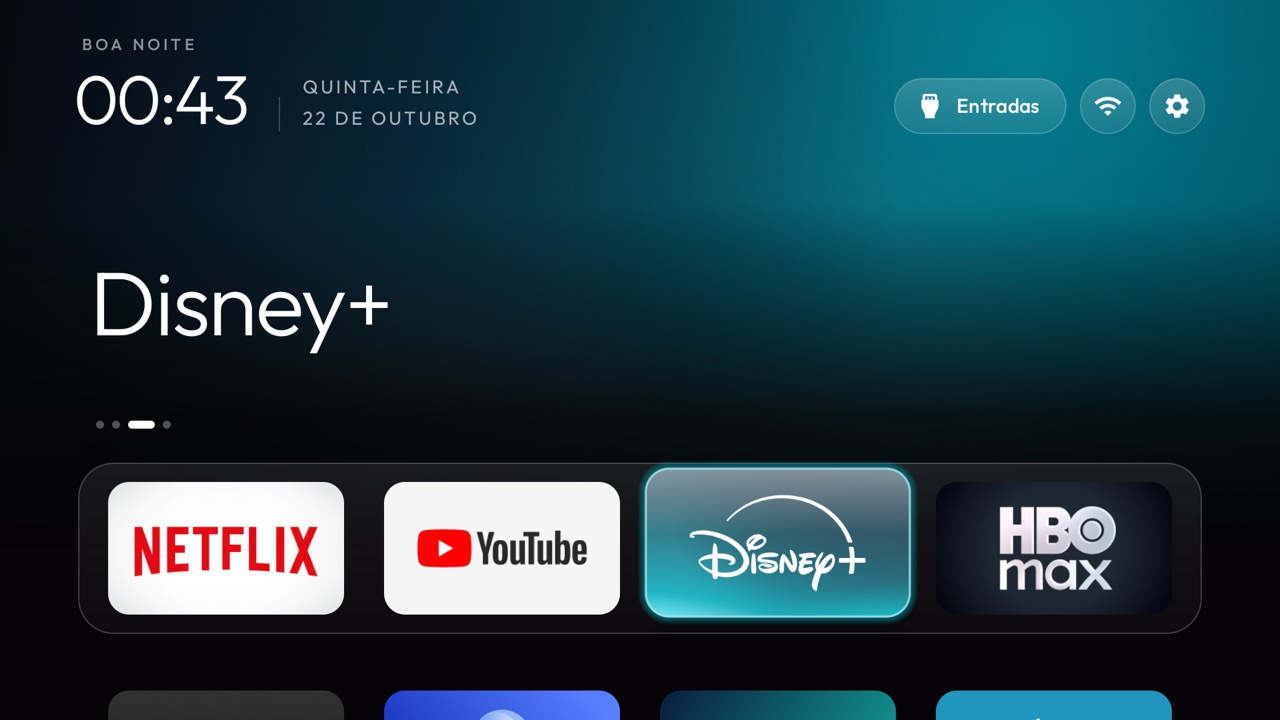
Choose a theme, change the layout, or keep things beautifully simple. Extras stay optional.
Is your TV on the list?
Search 252 community-recorded models. Start with a brand or model number.
A new look.
Your kind of quiet.
Browse real launcher themes, or try the interactive theme builder to arrange your apps and download a personal configuration.
Build your own theme Browse themes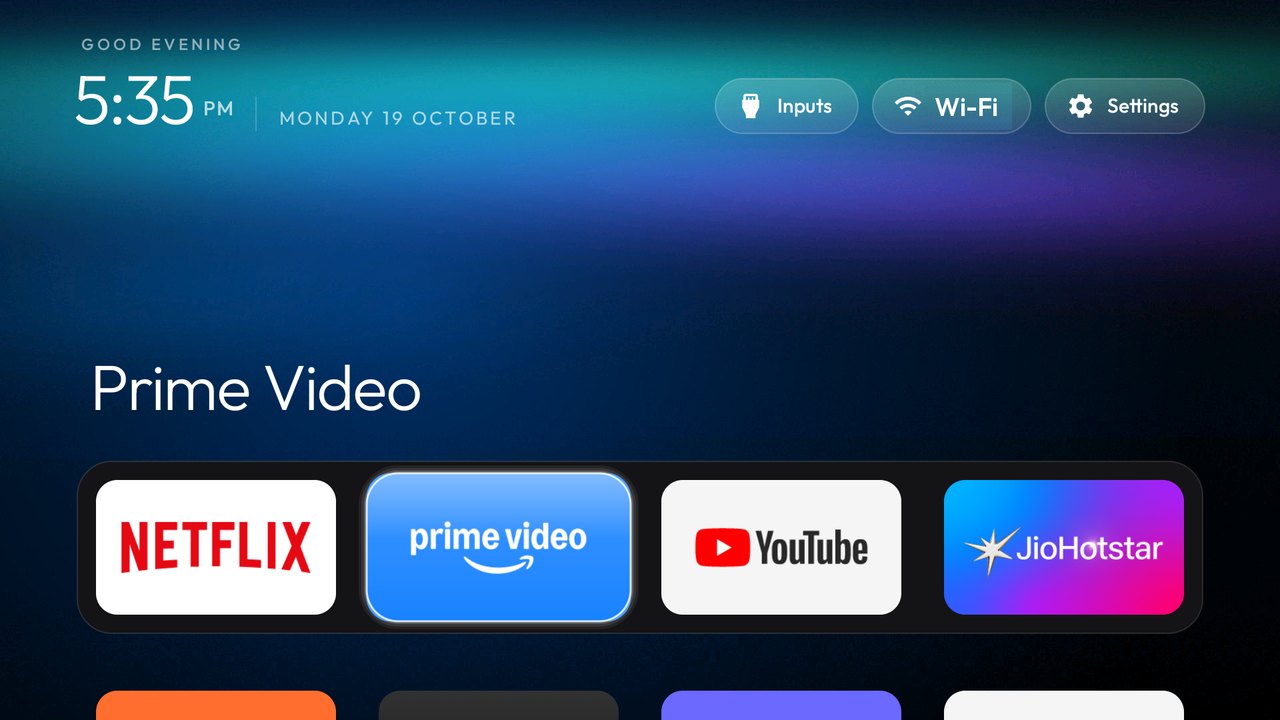
A clearer path
to a cleaner TV.
Find your model. Choose your tools.
Take it one step at a time.
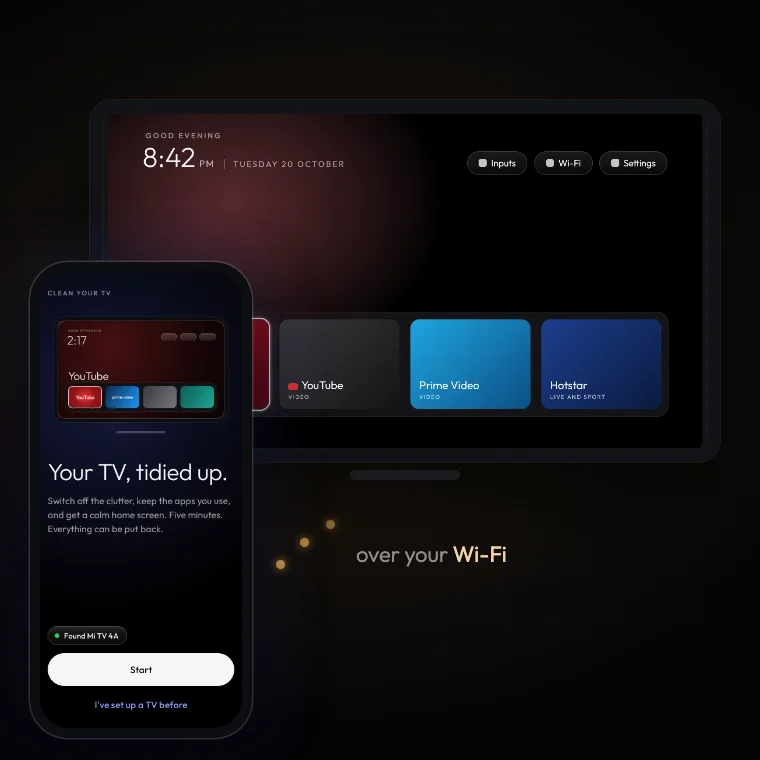
Your phone.
Your TV’s fresh start.
Explore the community-built Android app.
Prefer your computer?
Use the upstream setup prompt with a coding assistant. We’ll help you find the right starting point.
Computer setupQuestions before
you change anything?
Answers about Google TV ads, downloads and choosing a setup path.
A few things
to know first.
Clear answers before you start.
Will this clean the physical screen?+
No. CleanYourTV is a software project for removing unwanted home-screen clutter and disabling selected preinstalled packages. It does not clean a physical TV screen.
Does it remove ads inside YouTube or streaming apps?+
No. It targets supported manufacturer advertising, recommendations and preinstalled packages. Ads served inside streaming apps are a separate issue.
Do I need to root my TV?+
The upstream workflow uses Android Debug Bridge (ADB), without rooting. You still need developer options, local network access and approval on the TV.
Can I undo the changes?+
Upstream provides backup and restore tools. Keep the backup created for your own TV and review the recovery guide before changing anything.
Does it work on Samsung, LG and Roku?+
The main Android workflow does not apply to Tizen, webOS or Roku OS. A brand name alone is not enough: check the operating system and exact model.
Is this the official CleanYourTV website?+
No. This is an independent guide and model lookup. The official website is cleanyour.tv and the original repository is Gathin23/cleanyourtv on GitHub.